Online and offline assets
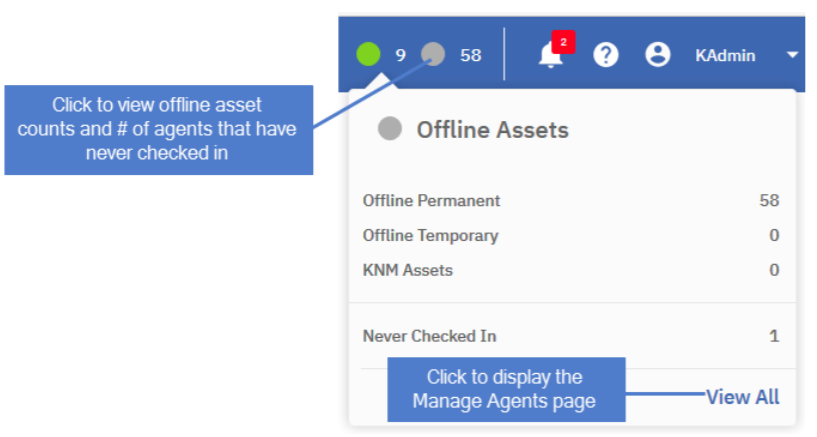
The Global menu at the top of the VSA window contains icons that show the number of assets that are currently online and offline.
- Click
 to view a list of counts for online assets (permanent, temporary, KNM assets, and total licenses used). Click View All to display the Agents > Manage Agents page: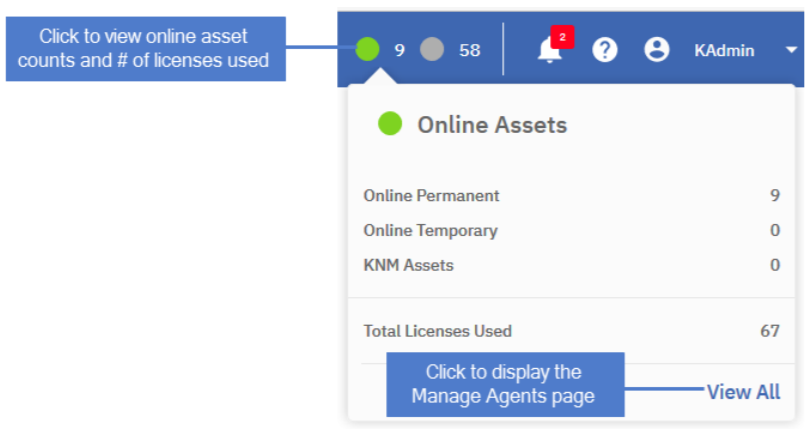
- Click
 to view a list of counts for offline assets (permanent, temporary, KNM assets, and number of agents that have never checked in). Click View All to display the Agents > Manage Agents page: